Decentralized exchanges, or DEXs, have gained significant traction as users seek greater control over their digital assets. While Binance is globally renowned for its centralized exchange, it also offers a robust platform for decentralized trading through Binance DEX and the Binance Smart Chain (BSC) ecosystem. Understanding how to operate a decentralized exchange on Binance is essential for anyone looking to trade without giving up custody of their funds. This guide will walk you through the key steps and concepts required to navigate this process effectively.
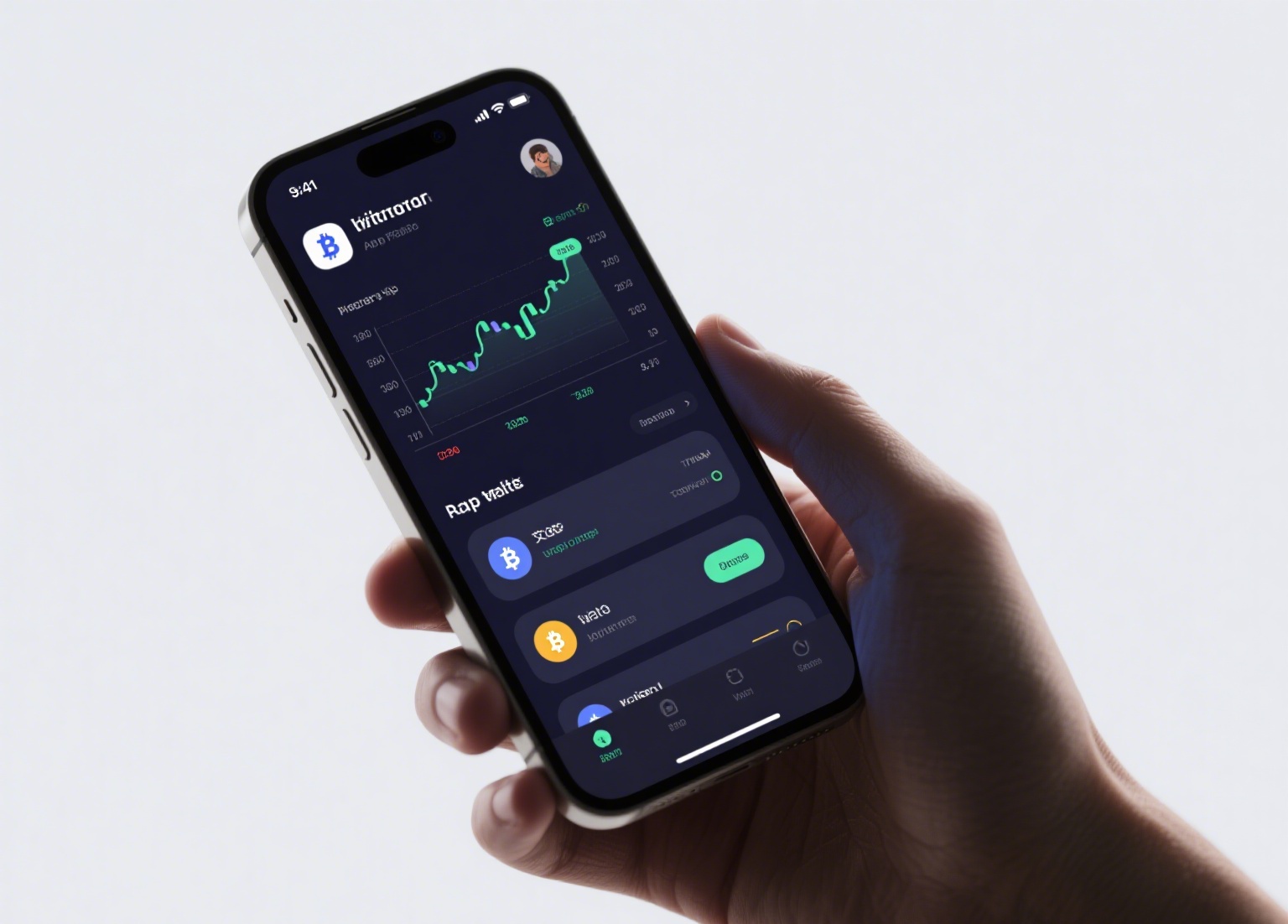
First, it is important to distinguish between Binance.com, the centralized platform, and the decentralized components. Binance DEX was originally built on the Binance Chain, focusing on fast, non-custodial trading. However, the more commonly used method today involves connecting your own wallet—such as MetaMask, Trust Wallet, or Binance’s own Web3 Wallet—to decentralized applications (dApps) running on Binance Smart Chain. To begin, you will need to set up a non-custodial wallet. Unlike a Binance.com account, where the exchange holds your private keys, a decentralized wallet gives you full ownership. Be sure to securely back up your seed phrase, as losing it means permanent loss of access to your assets.
Once your wallet is created, you need to acquire BNB (Binance Coin) to pay for transaction fees on the BSC network. This is a critical step, as all interactions on the decentralized exchange require BNB for gas fees. You can purchase BNB from the centralized Binance exchange and then withdraw it to your wallet address on the Binance Smart Chain network. Make sure to select the BEP-20 network during withdrawal to ensure the funds arrive on the correct chain. After your wallet is funded with BNB, you can proceed to the decentralized exchange interface. The most popular DEX on BSC is PancakeSwap, which operates similarly to a decentralized version of Binance’s trading engine. Navigate to the PancakeSwap website and connect your wallet by clicking the "Connect Wallet" button. The platform will request permission to view your wallet address and transaction history—this is standard for DEX interactions.
To execute a trade, simply select the token you wish to sell and the token you wish to buy. For example, if you want to swap BNB for a BEP-20 token like CAKE, specify the amounts and review the estimated slippage. Slippage refers to the difference between the expected price and the executed price, which can be higher in volatile markets. After confirming the details, press the "Swap" button. Your wallet will then prompt you to review and sign the transaction. This step is where your private key confirms the action without exposing it to the platform. Once signed, the transaction is broadcast to the Binance Smart Chain network and processed by validators. You can track the status on a block explorer like BscScan by using the transaction ID provided after the swap.
Security considerations are paramount when operating a decentralized exchange on Binance. Always double-check the token contract address to avoid scams or "rug pulls," as anyone can create a token on BSC. Moreover, never share your private keys or seed phrase with any website or individual. It is also advisable to start with small amounts to test the process before committing larger sums. While DEXs offer greater autonomy, they require a higher level of user responsibility compared to centralized exchanges. By following these steps—setting up a wallet, funding it with BNB, connecting to a reliable DEX, and executing trades with caution—you can safely participate in the decentralized trading environment powered by Binance’s ecosystem. Understanding these operations not only enhances your trading flexibility but also aligns with the broader principles of self-sovereignty in the crypto space.